
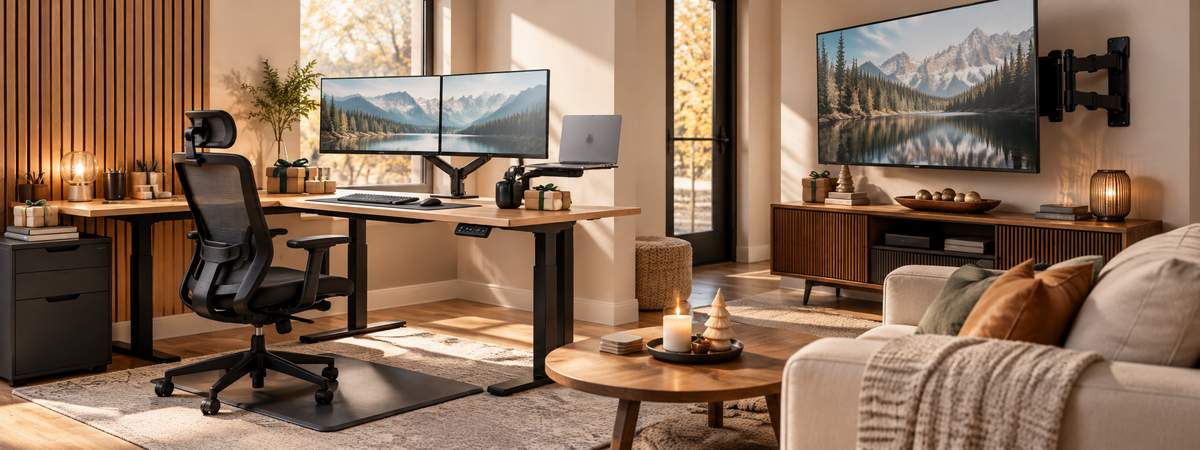
The Gift They Didn't Know They Needed
Think about the last time you saw your remote-working friend's desk. Maybe it was the laptop balanced on a stack of books during a video call, or the tangle of cords you spotted when they turned the camera around. People who work from home spend more time at their desks than almost anywhere else, yet most of them are still running on a setup they threw together in a weekend. That makes a home office upgrade one of the most practical gifts you can give this season.
The good news is that you don't need to spend a fortune to make a real difference. Whether you're filling a stocking, gifting a coworker, or going big for your partner, there's a desk upgrade that fits your budget. We've organized this guide by price point so you can find the right pick in a few minutes and get back to your day.
Why Shopping Early Pays Off
Black Friday and Cyber Monday bring great deals, but they also bring crowded carts, sold-out colors, and shipping delays that creep closer to the holidays. Shopping in early November gives you time to compare options, measure their desk (more on that later), and still have the gift arrive well before the wrapping paper comes out. Bookmark this guide now and come back to it as sales go live.
Under $50: Small Upgrades That Make Every Day Better
Small gifts can have an outsized impact when they solve an annoyance someone deals with daily. Cable clutter is a great place to start. A tidy desk makes a workspace feel calmer, and cable management trays or raceways keep cords off the floor and out of sight without any complicated installation.
Comfort matters too, especially for anyone who sits for long stretches. An ergonomic footrest encourages better posture and takes pressure off the lower back, while a laptop stand lifts the screen so they stop hunching over their keyboard. These are easy gifts for coworkers, Secret Santa exchanges, or anyone whose setup you've never actually seen.
$50 to $150: The Comfort Upgrade
This is the sweet spot for gifts that feel substantial without going overboard. If the person on your list uses two monitors or wants to, a dual monitor arm clears off their desk surface and lets them adjust each screen for height, tilt, and angle. It's the kind of upgrade that makes a desk feel twice as big.
Another gift that gets used from the first day is an anti-fatigue mat. For anyone who already stands while working, or who you're nudging toward standing, a cushioned mat makes long stretches on their feet more comfortable. A keyboard tray is also worth considering for people whose desks sit a little too high for comfortable typing.
$150 and Up: The Showstopper Gifts
If you're shopping for a partner, a family member, or yourself (we won't tell), this is where you can transform an entire workspace. A standing desk converter sits right on top of an existing desk and lets them switch between sitting and standing in seconds. It's a great fit for anyone who loves their current desk but wants more movement in their day.
For the full upgrade, nothing beats an electric standing desk. With a push of a button, they can change positions throughout the day, and memory presets make it easy to return to their favorite heights. It's a gift that says you care about how they feel at 4 p.m. on a Wednesday, which is exactly when a good desk earns its keep.
A Few Quick Tips Before You Buy
A little detective work goes a long way when gifting desk gear. For monitor mounts, check whether their monitor has VESA mounting holes on the back, and note how thick their desk is so the clamp will fit. For desk converters and standing desks, a quick look at their current desk dimensions helps you choose the right size. If you can't sneak a measurement, stick to the under-$50 picks, which work with nearly any setup.
Give a Better Workday This Year
The gifts that stick are the ones people use without thinking about them, and a home office upgrade fits that description every workday of the year. Start your shopping now, save this guide for when Black Friday deals hit, and give the remote worker in your life a desk they'll actually look forward to sitting at, or standing at.

Share:
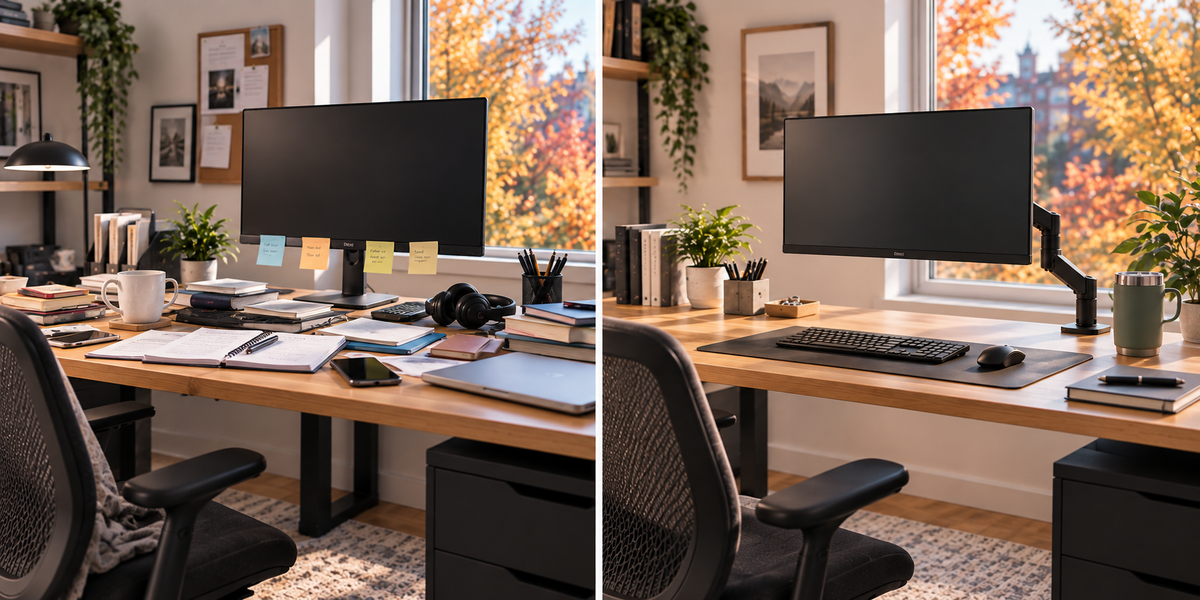
Before the Holidays Hit: How to Declutter Your Desk for a Fresh Start